
Creating a productive home workspace is essential in today’s world where remote working and flexible arrangements are increasingly common. Whether you spend a few hours a week working from home or have made it your full-time setup, designing a workspace that promotes focus and efficiency can make a big difference in your daily output and well-being.
In this post, we’ll explore practical tips for setting up a home workspace that helps you stay organised, comfortable, and motivated.
Choose the Right Location
Find a Dedicated Space
If possible, choose a specific area in your home just for work. Having a dedicated workspace, even if it is a small corner of a room, helps signal to your brain that it’s time to concentrate. Avoid using your bed or sofa as your office because these areas are associated with relaxation and can disrupt your focus.
Consider Natural Light and Ventilation
Aim to position your desk near a window to benefit from natural light. Daylight has been shown to improve mood and energy, helping maintain alertness during work hours. Fresh air and good ventilation are also important for concentration and comfort.
Invest in Ergonomic Furniture
Choose a Comfortable Chair
An ergonomic chair that supports your back and encourages good posture can prevent discomfort and long-term problems. Look for chairs with adjustable height, lumbar support, and comfortable cushioning.
Get a Suitable Desk
Your desk should be at a height that allows your arms to rest comfortably at about 90 degrees while typing. If space is limited, consider compact desks or even adjustable standing desks to switch between sitting and standing.
Minimise Distractions
Declutter Your Workspace
Keep your desk tidy by regularly removing unnecessary items. Use organisers such as trays, drawers, or containers to store stationery and documents neatly. A clutter-free space reduces stress and helps maintain focus.
Manage Noise Levels
If background noise disturbs you, consider noise-cancelling headphones or playing subtle background music to aid concentration. Alternatively, use white noise machines or apps to mask disruptive sounds.
Optimise Your Technology Setup
Reliable Internet Connection
Ensure your internet connection is stable and fast enough for video calls, uploads, and downloads. Invest in a good router or consider a wired connection if possible.
Organise Cables
Keep cables and chargers organised with clips or tubes to prevent tangles and keep your desk looking neat and professional.
Create a Personalised Ambience
Use Lighting Wisely
In addition to natural light, use adjustable desk lamps to add sufficient light, especially in the evenings. Soft, warm light can be easier on the eyes and reduce fatigue.
Add Personal Touches
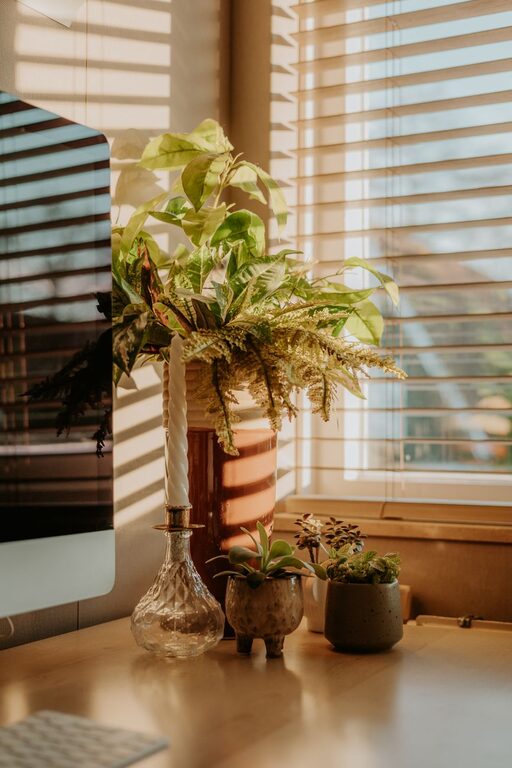
Decorate your workspace with plants, photos, or artwork that inspire you. Personal items can boost your mood without becoming distractions.
Establish a Routine
Set Clear Working Hours
Define your start and finish times to maintain work-life balance. Consistency helps you get into the right mindset at the beginning of the day.
Take Regular Breaks
Use techniques like the Pomodoro method — working for 25 minutes and then taking a 5-minute break — to maintain high levels of focus without burnout.
Keep Essential Supplies Within Reach
Make sure that the items you use most frequently, such as pens, notebooks, and your calendar, are easily accessible. This minimises interruptions that come from searching for things during busy work periods.
Stay Connected
If you work remotely, use video calls, messaging apps, and online collaboration tools to keep in touch with colleagues. Feeling connected can improve motivation and reduce feelings of isolation.
—
By considering these tips, you can create a home workspace that supports productivity, comfort, and well-being. Remember that the best workspace is one tailored to your personal preferences and work style, so feel free to experiment and adjust until you find what works best. A well-thought-out workspace not only helps you get more done but also makes working from home a more enjoyable experience.